Cash Payments Directly To A Retailer

!

Important Cash Payment Notice

Great Rooms 4 Rent does not accept cash payments at any property.

Do not give cash to a Resident Manager, maintenance worker, roommate, friend, or any other person.

Cash given directly to any person is not considered paid and will not be credited to your account unless it is received through one of the approved payment methods below.

Approved Cash Payment Methods

Two Easy Ways to Pay With Cash

Choose the office-assisted option or set up OnePay for self-service.

1
Office Assisted

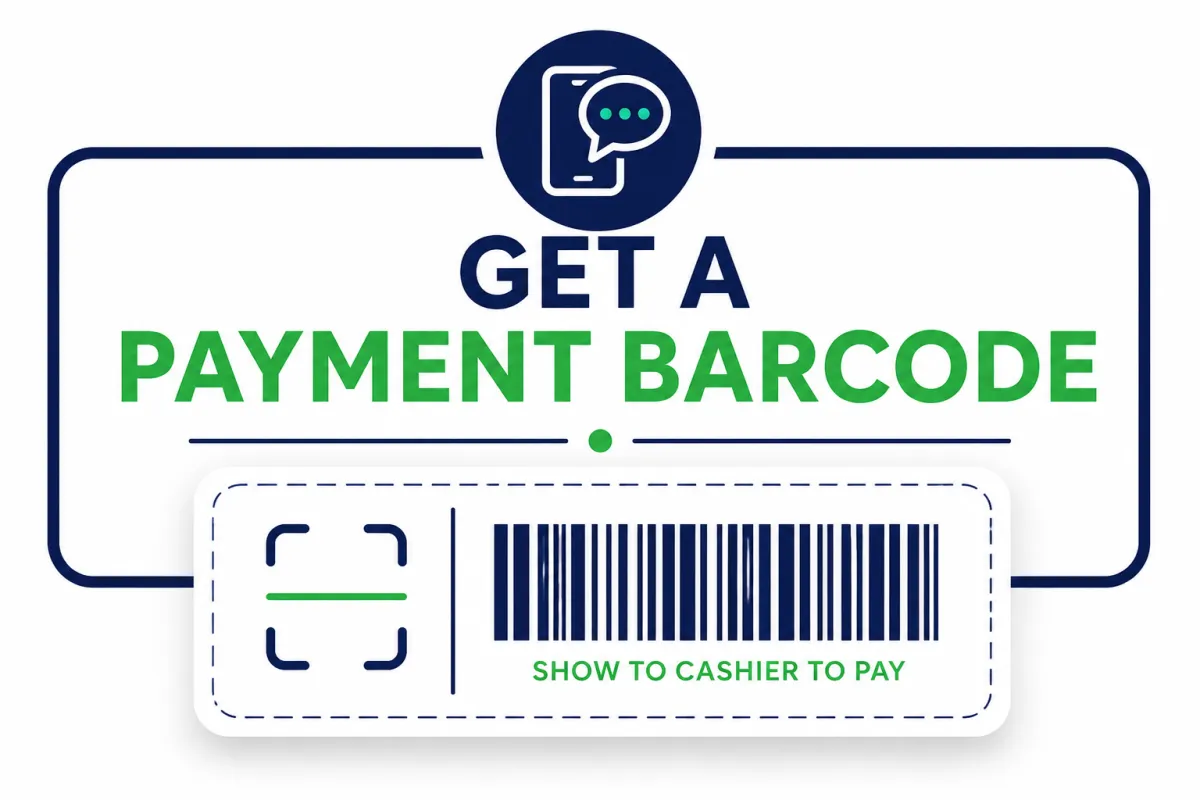
Get a Payment Barcode

Contact our office during normal business hours. We will send you a secure payment barcode to use for that specific payment.

SAMPLE ONLY
DO NOT SCAN THIS EXAMPLE The office will send you a new payment barcode each time you need to make a cash payment.
1

Contact the office

Call or text us during normal business hours and request a payment barcode.

2

Wait for your personal barcode

The office will send the barcode directly to your phone by text message.

3

Take it to a participating retailer

Show the barcode to the cashier and give the cashier the amount of cash you want to pay.

4

Text us your payment confirmation

After making the payment, take a clear picture of the retailer receipt or confirmation number and text it to our office. Your payment will be credited to your account after we receive and verify the confirmation.
No cash deposit fee No OnePay cash deposit fee applies when the payment is made at an eligible participating retailer.
Important: Do not travel to a retailer until the office has sent your actual payment barcode. After paying, text us a clear picture of your receipt or payment confirmation so we can verify and credit your account.
2
Self-Service

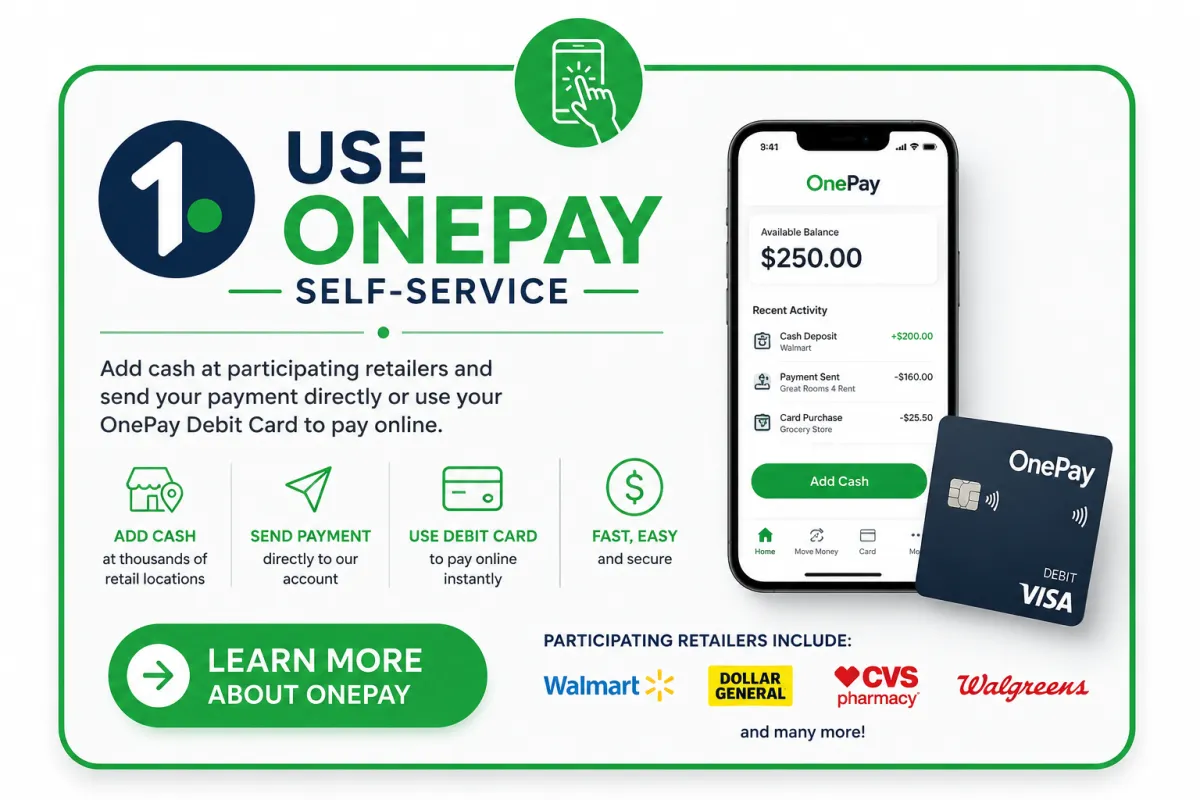
Use the OnePay App

OnePay is a convenient option for residents who regularly receive cash or prefer to manage their own cash deposits.

Available Balance $250.00
Add Cash
Send Payment
Use Debit Card

Add cash to your own OnePay account at participating retailers.

Send your room payment directly to our OnePay account through the app.

Use your OnePay Debit Card to make your payment through our secure online payment portal.

Manage future cash deposits yourself without contacting the office for a barcode each time.

No OnePay cash deposit fee at eligible participating retail locations.

1 Learn More About OnePay View instructions and account setup

Participating Retailers May Include

Walmart Dollar General CVS Walgreens Kroger Other Retailers

Participating retailers and deposit availability may vary by location. Confirm the selected location through OnePay before visiting the store.

Safe, Secure and Trackable

Payments made through these approved methods are electronically recorded and can be properly credited to your account.

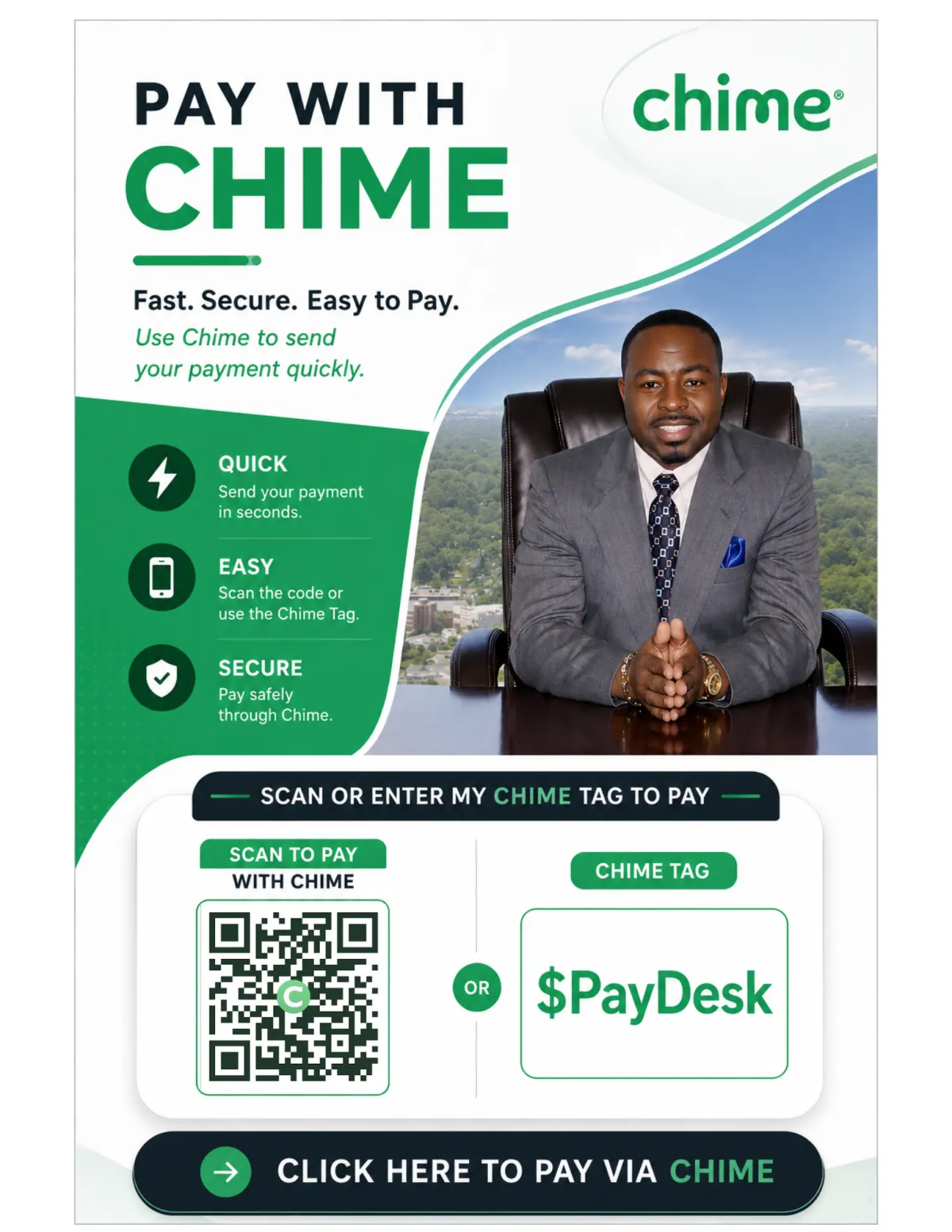
👉 Tap The Image Below To Pay Now

Opens Cash App with our payment details already filled in

Full Instructions

!

Important Cash Payment Notice

Great Rooms 4 Rent does not accept cash payments at any property.

Do not give cash to a Resident Manager, maintenance worker, roommate, friend, or any other person.

Cash given directly to any person is not considered paid and will not be credited to your account unless it is received through one of the approved payment methods below.

Approved Cash Payment Methods

Two Easy Ways to Pay With Cash

Choose the office-assisted option or set up OnePay for self-service.

1
Office Assisted

Get a Payment Barcode

Contact our office during normal business hours. We will send you a secure payment barcode to use for that specific payment.

SAMPLE ONLY
DO NOT SCAN THIS EXAMPLE The office will send you a new payment barcode each time you need to make a cash payment.
1

Contact the office

Call or text us during normal business hours and request a payment barcode.

2

Wait for your personal barcode

The office will send the barcode directly to your phone by text message.

3

Take it to a participating retailer

Show the barcode to the cashier and give the cashier the amount of cash you want to pay.

4

Keep your receipt

Keep the retailer receipt until your payment has been confirmed and credited to your account.

No cash deposit fee No OnePay cash deposit fee applies when the payment is made at an eligible participating retailer.
Important: Do not travel to a retailer until the office has sent your actual payment barcode.
2
Self-Service

Use the OnePay App

OnePay is a convenient option for residents who regularly receive cash or prefer to manage their own cash deposits.

Available Balance $250.00
Add Cash
Send Payment
Use Debit Card

Add cash to your own OnePay account at participating retailers.

Send your room payment directly to our OnePay account through the app.

Use your OnePay Debit Card to make your payment through our secure online payment portal.

Manage future cash deposits yourself without contacting the office for a barcode each time.

No OnePay cash deposit fee at eligible participating retail locations.

1 Learn More About OnePay View instructions and account setup

Participating Retailers May Include

Walmart Dollar General CVS Walgreens Kroger Other Retailers

Participating retailers and deposit availability may vary by location. Confirm the selected location through OnePay before visiting the store.

Safe, Secure and Trackable

Payments made through these approved methods are electronically recorded and can be properly credited to your account.

⚠️⚠️ Cash Payment NOTICE ⚠️⚠️

Great Rooms 4 Rent does NOT accept cash payments at any property!!

Do NOT give cash to a Resident Manager, maintenance person, roommate, friend, or anyone else claiming they will deliver your payment for you.

Cash given directly to any person is NOT considered paid and will NOT be credited to your account unless it is received through one of the approved payment methods below.

Option 1 – Get a Payment Barcode From Our Office (Recommended)

Contact our office during normal business hours, and we'll send you a secure payment barcode.

Take the barcode to a participating retailer, present it to the cashier along with your cash, and your payment will be deposited directly into our account.

Option 2 – Use OnePay (Self-Service)

If you regularly pay with cash, we recommend creating a free OnePay account.

With OnePay, you can:

Add cash to your OnePay account at participating retailers.

1. Send your payment directly to our OnePay account OR

2. Use your OnePay Debit Card to make your room payment through our secure online payment portal.

✅ No OnePay cash deposit fee at participating retailers.

Participating retailers include Walmart, CVS, Dollar General, and other participating locations shown in the OnePay app.

Tap here to Learn More About OnePay Or To SignUp

👉 Tap The Image Below To Pay Now

Opens Chime App with our payment details already filled in

Full Instructions

1. SEND PAYMENT

Send to: $PayDesk

OR Scroll Down To Click On The Image BELOW
✔ Verify name & photo
⚠ Wrong account = not received


2. ADD YOUR NAME

Include in note:
Your full name (or resident’s name)


3. SEND SCREENSHOT

Text to: 901-599-2006

This ensures your payment is properly applied to your account


NO REFUNDS

All payments are final.
Confirm room & amount before sending.

Logo

Premium co-living rooms across the South and beyond. Move in fast. Live well. No long-term commitments.

COMPANY

About Us
How It Works
Room Types
Contact

© 2026 GreatRooms4Rent.com

Find your room. Find your people.

Privacy · Terms